Convert anything.
Locally.
A fast, beautiful desktop app that converts images, videos, audio, documents, ebooks, subtitles & archives — entirely on your machine. No uploads. No cloud. No compromises.
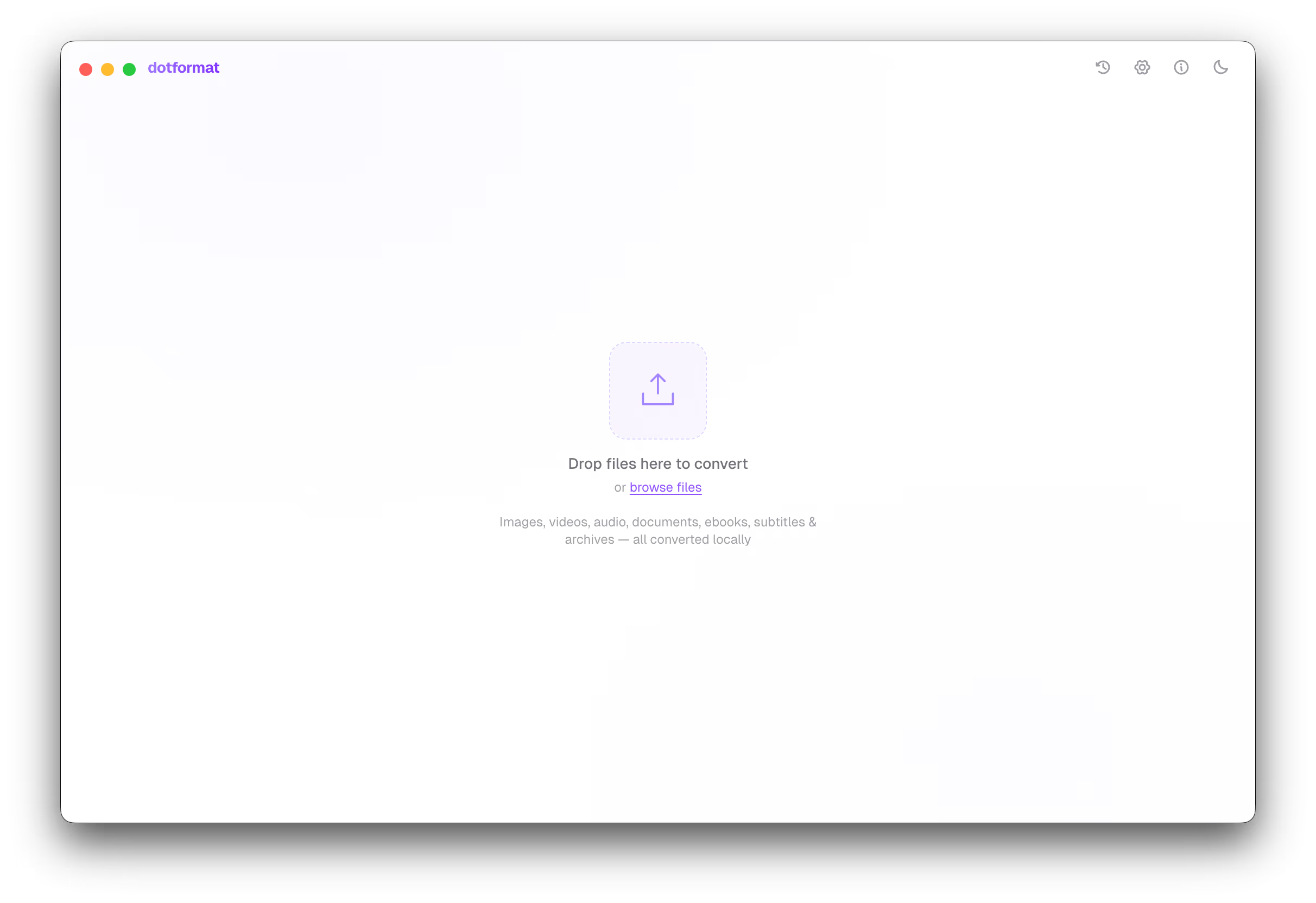
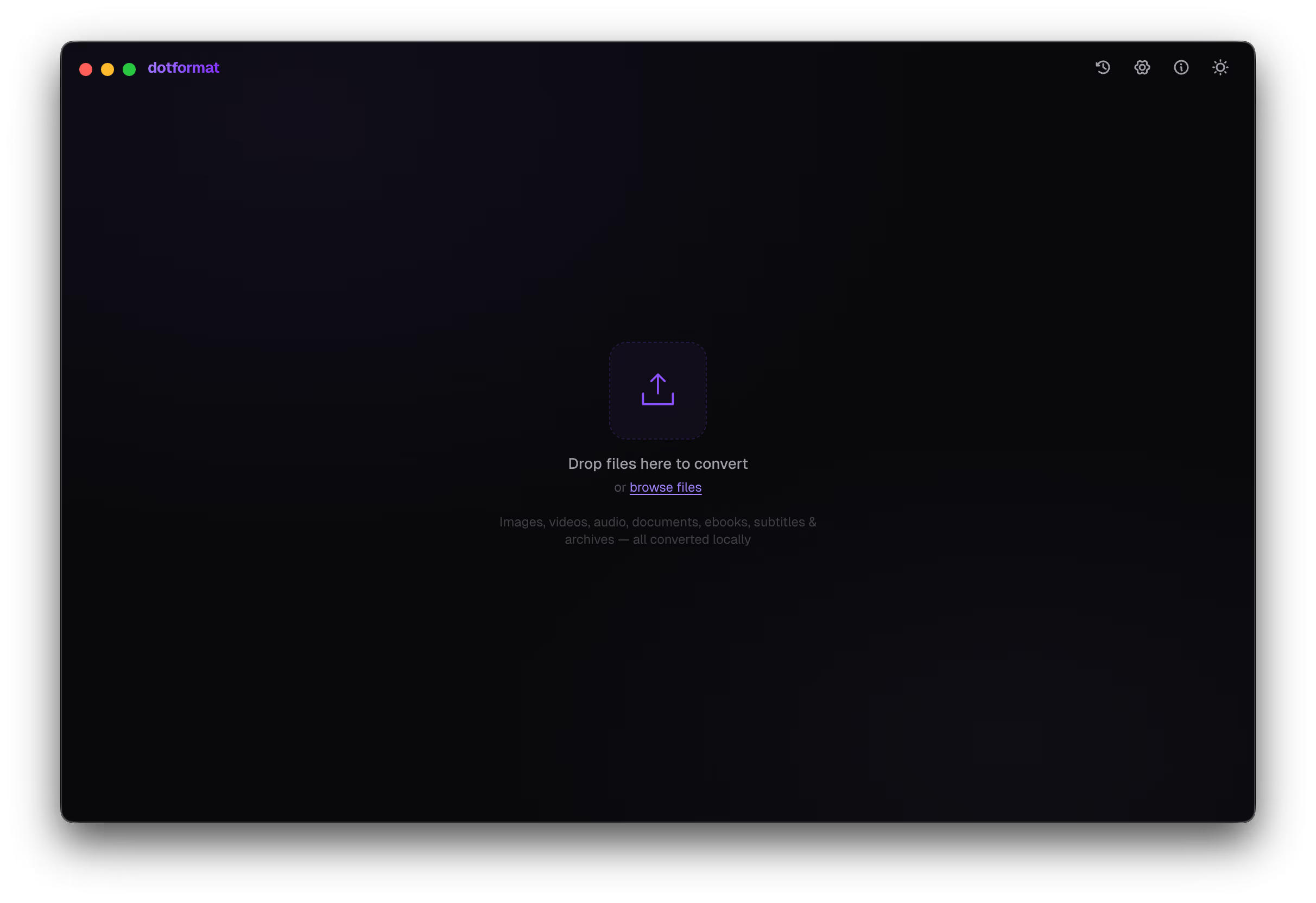
Drop your files in
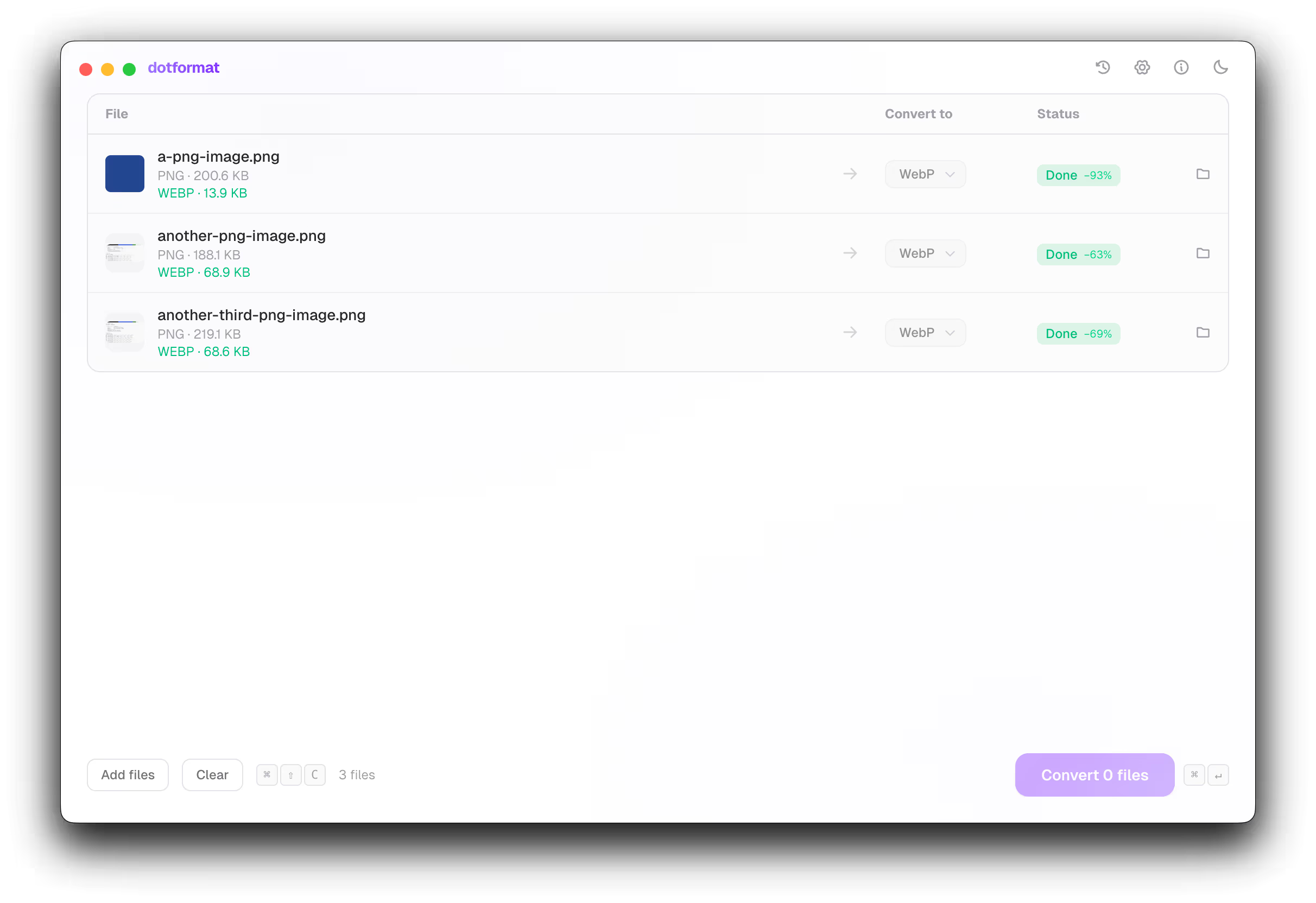
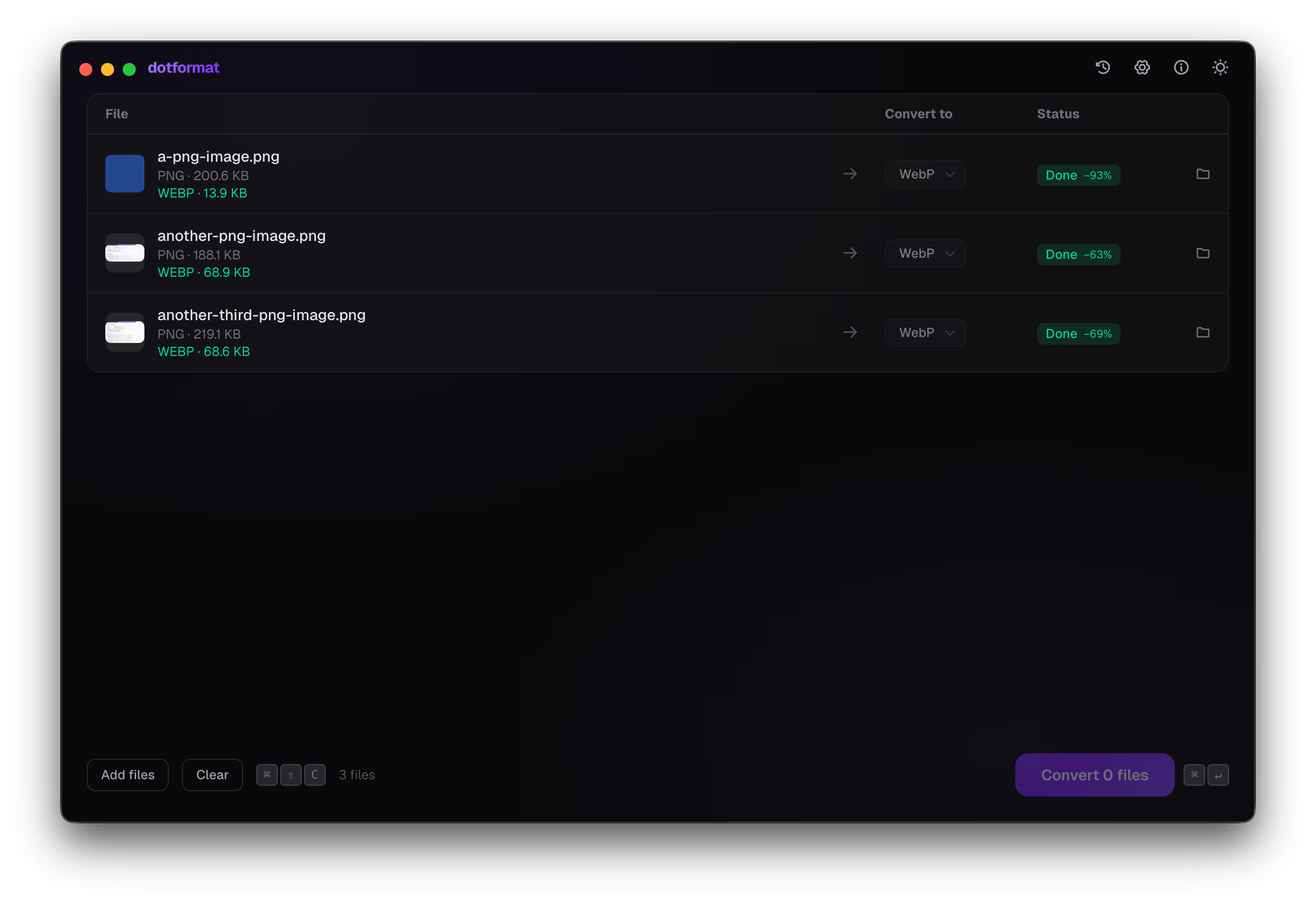
Converted instantly
378+
Conversion pairs
7
Format categories
0
Bytes uploaded
∞
File size limit
Not another cloud converter
Why dotformat?
Most converters upload your files to a random server, make you wait in a queue, and cap you at 50 MB. dotformat runs on your machine. It's faster, more private, and has no limits.
100% Local Processing
Every file stays on your machine. dotformat uses native engines to convert files without ever touching a server. No uploads, no cloud, no waiting.
Sharp for images, FFmpeg for video/audio, PDFKit for documents — all running natively.
Lightning Fast
No network latency, no file size limits, no queues. Conversions start instantly and finish in seconds, even with large files.
A 100 MB video converts locally faster than the time it takes to upload it.
Beautifully Simple
No menus to navigate, no settings to configure. Drag your files in, pick a format, and hit convert. Done.
Batch processing handles hundreds of files at once with smart format detection.
Honest comparison
dotformat vs. online converters
CloudConvert, Zamzar, Convertio — they all work the same way: upload your file, wait, download the result. Here's what that actually means for you.
dotformat
Online tools
Privacy
✓100% local — files never leave your device
✕Files uploaded to remote servers
Speed
✓Instant — no upload/download wait
✕Limited by upload speed & server queue
File size limit
✓Unlimited — your hardware is the limit
✕50–100 MB per file on free tiers
Batch processing
✓Unlimited files at once
✕1–5 files, then paywall
Cost
✓Free forever. No subscription.
✕$10–20/month for basic usage
Offline
✓Works without internet
✕Requires internet connection
Formats
✓400+ conversion pairs across 7 categories
✕Varies — often limited free tier
Zero data. Zero uploads. Zero BS.
Your files are yours
dotformat doesn't phone home. It doesn't talk to any server. Everything happens inside the app on your hardware.
No internet required
Disconnect your Wi-Fi. It still converts perfectly.
No accounts
Open the app and start converting. No email, no login.
No data collection
Zero analytics. We don't know what you convert.
No file size limits
10 MB image or 50 GB video. Your hardware is the limit.
Comprehensive
Every format you need
378+ conversion pairs across 7 categories. From PNG and MP4 to LaTeX and OPUS — all processed natively.
Images
PNG, JPG, WebP, AVIF, TIFF, GIF, BMP, ICO, SVG, HEIC
Video
MP4, WebM, MKV, AVI, MOV, FLV, WMV, GIF
Audio
MP3, WAV, OGG, FLAC, AAC, M4A, WMA, OPUS
Documents
PDF, DOCX, HTML, Markdown, TXT, RTF, ODT, LaTeX
Ebooks
EPUB, MOBI, AZW3, FB2, PDF, HTML, TXT
Subtitles
SRT, VTT, ASS, SSA
Archives
ZIP, RAR, 7Z, TAR, GZ
Literally three steps
How it works
No sign-ups, no configurations. You'll be converting files within 10 seconds of opening the app.
Drop your files
Drag & drop or browse. Batch as many as you want.
Pick a format
Smart suggestions based on file type. One click applies to all.
Convert
Hit the button. Files save next to the originals or wherever you choose.
Under the hood
Powered by proven engines
dotformat wraps the same battle-tested tools that professionals use, packaged in a clean desktop interface. No black boxes, no proprietary codecs.
Sharp
ImagesHigh-performance image processing. HEIC, AVIF, WebP, and dozens more.
FFmpeg
Video & AudioIndustry-standard multimedia engine for video, audio, and GIF conversions.
PDFKit
DocumentsReliable document generation for PDF creation and conversion workflows.
Electron
RuntimeNative desktop experience on macOS, Windows, and Linux from one codebase.
Why does this exist?
I hate online converters. Back in the day they were just annoying — now they're somehow worse. Paywalls, upload limits, accounts, ads, and you're sending your files to some random server you know nothing about.
Here's the thing: file conversion is not magic. It's literally just a couple of open-source libraries stitched together. FFmpeg handles video and audio — it's the same engine behind VLC, YouTube, and basically every video tool on the planet. It's free. Sharp handles images. Also free. These aren't obscure libraries — millions of developers use them every day. dotformat just wraps them in a nice UI so you don't have to touch a terminal.
Why is it free? Simple. Everything runs on your machine. I don't have servers to pay for, I don't process your files, I don't store anything. I just provide the software. The only cost is your own CPU — and if you have a slow PC and a massive video file, your computer might run a bit hot. In that case, I can't help you. :D
This app works completely offline. The one exception: Sentry is enabled for error logging. That means if something crashes or breaks, the error report gets sent so I can actually fix it. No file data, no personal info — just the error. But if you don't like that, block it in your firewall or just disconnect your internet. Seriously, do whatever you want. The app works the same either way.
If you want to support this project, share it with someone who's still uploading their files to some sketchy website. That's more than enough.
Real use cases
What people actually use this for
iPhone photos to PNG
Apple shoots HEIC by default. Drop them into dotformat and get universally-compatible PNG or JPG files in seconds.
Screen recordings to GIF
Record a quick screen capture as MP4, then convert to GIF for Slack, GitHub, or documentation.
FLAC to MP3 for your phone
Keep your lossless collection on your desktop, convert copies to MP3 for mobile. No quality compromises, no cloud services.
PDF to Word for editing
Received a PDF you need to edit? Convert to DOCX locally, make your changes, convert back to PDF.
WebP to PNG for compatibility
Downloaded a WebP image that some app can't open? Convert it instantly without uploading to a sketchy website.
Batch rename formats
Drop 200 images, select one output format, hit convert. All done in one batch — no file-by-file nonsense.
Ready to convert?
Download dotformat for free and start converting files in seconds. No account needed. Works on every major platform.